.svg)


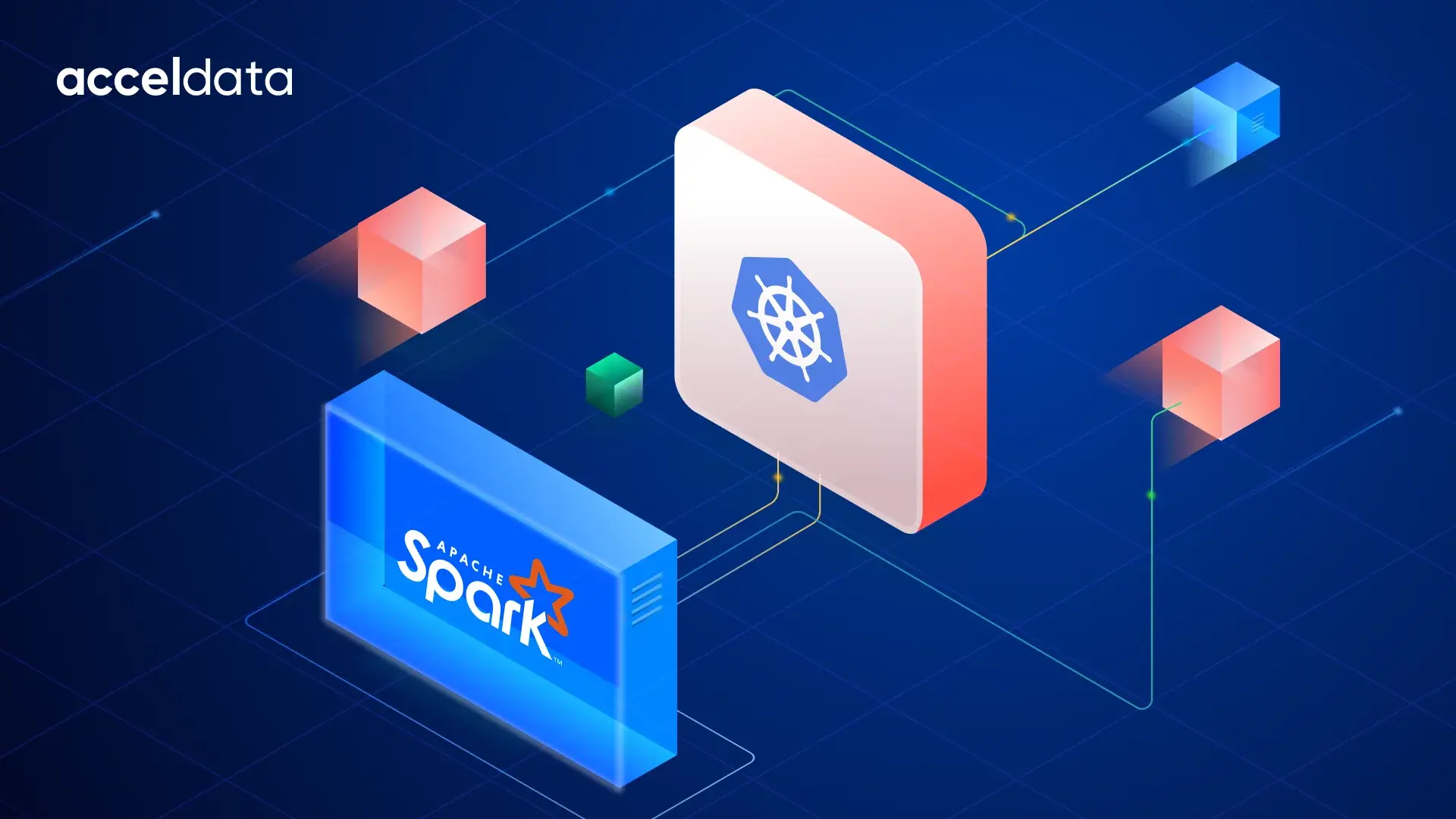

The Spark UI is the default profiling entry point for most data engineering teams, but it was designed for standalone clusters, not Kubernetes. This article explains what's missing from Spark UI profiling in Kubernetes environments and what a complete profiling approach requires.
Your Spark job finishes late. The Spark UI shows clean stages, stable executors, and no failed tasks, yet the delay started long before Spark began executing anything.
This is the visibility gap many teams discover after moving workloads to Kubernetes. In one enterprise survey, 65% of organizations said they deploy Kubernetes clusters through automated deployment methods such as CI/CD and GitOps, underscoring how much Kubernetes adoption is tied to speed, automation, and operational agility.
On Kubernetes, scheduling latency, pod placement, and node pressure shape runtime behavior in ways the Spark dashboard cannot explain. Effective Spark profiling depends on correlating Spark execution with Kubernetes signals and interpreting Spark metrics across both layers.
What the Spark UI Actually Shows and What It Assumes
The Spark UI shows how a job executes inside Spark. You can trace stage timelines, task duration patterns, executor activity, shuffle behavior, and SQL DAG plans. These signals make it the natural starting point for Spark profiling.
But the interface assumes infrastructure is stable once executors are allocated. That assumption worked in standalone clusters and YARN. On Kubernetes, runtime behavior depends on scheduling decisions outside Spark’s control.
The Spark dashboard cannot surface:
- Pod scheduling latency
- Node-level resource contention
- Eviction events
- Spot interruption impact
Even preserved Spark metrics in event logs replay only Spark activity. Kubernetes placement and lifecycle signals remain invisible to the Spark UI timeline.
Where Spark Profiling Breaks Down on Kubernetes
On Kubernetes, executor behavior depends on scheduling decisions that occur outside Spark’s control. Pods can remain Pending due to node affinity constraints, resource quota limits, or insufficient cluster capacity.
During this window, nothing appears in the Spark UI because the executor has not registered yet. This is where Spark profiling begins to diverge from Spark-only visibility.
Later failures follow a similar pattern. Node-pressure eviction, container-level OOMKilled events, and delayed image pulls change wall-clock runtime without appearing directly in Spark metrics.
The Spark dashboard reflects executor loss or slow stages, but not the infrastructure signals that caused them. Teams moving toward stronger data profiling and modern data profiling practices treat Kubernetes lifecycle events as part of the profiling surface, not as external noise.
The Metrics That Actually Predict Failures
Opening the Spark UI after a failed job shows what happened. Predictive Spark profiling explains what is about to happen next. That shift depends on treating Spark metrics as signals that change across runs, not snapshots from a single execution.
Three metric layers consistently predict runtime instability:
- Executor pressure signals: Rising jvmGCTime, increasing shuffle fetch wait time, or growing executor churn often indicate memory imbalance or node-level contention before failures appear in stage timelines.
- Task distribution signals: Skewed executorRunTime and uneven shuffle write patterns usually point to partition imbalance that later increases wall-clock runtime.
- Scheduler lifecycle signals: Repeated Pending executor states or delayed registrations reveal cluster capacity constraints that the Spark dashboard cannot explain.
The relationship is direct: executor instability produces stage retries, and repeated stage retries extend job duration. Tracking these patterns across multiple runs matters more than inspecting one failure.
Teams running Apache Spark in Kubernetes environments increasingly combine executor metrics with infrastructure signals, similar to how data monitoring for small analytics teams evolves into platform-level observability as workloads scale.
Building a Profiling Practice Beyond the Spark Dashboard
A mature Spark dashboard strategy instruments two layers at once: Spark execution and Kubernetes orchestration. The Spark UI explains how stages and executors behave. Effective Spark profiling explains why they behaved that way by correlating those signals with pod lifecycle and scheduling activity.
At the Spark layer, teams typically rely on:
- Event logs and History Server timelines for replay analysis
- Programmatic metric access through the Spark REST API
- Prometheus pipelines that persist Spark metrics across runs for trend comparison
At the Kubernetes layer, the missing context usually comes from:
- kubectl describe pod Events that expose FailedScheduling causes
- Pod lifecycle transitions — Pending, Running, and Restarted
- Node-pressure eviction signals and container-level OOMKilled status
The friction is correlation. These signals live in separate timelines. Acceldata xLake closes this gap through its pod-level observability layer, which surfaces driver and executor logs, OOMKills, spot evictions, scheduling failures, and pod health signals alongside Spark execution context—all in one unified view, with zero context-switching between tools.
When deployed with Spark on Kubernetes, teams can inspect driver and executor logs together and trace scheduling failures directly to the jobs they affected, without switching between kubectl, CloudWatch, and the Spark History Server.
Operationalizing Profiling Across Kubernetes Teams
Spark profiling becomes operational when teams treat it as a shared workflow, not an individual troubleshooting task. In Kubernetes environments, runbooks should separate responsibilities clearly: data engineers investigate execution behavior using Spark metrics, while platform teams diagnose scheduling, eviction, and capacity signals the Spark UI cannot explain.
A practical escalation path typically starts with orchestration signals before application tuning:
- Check executor pod lifecycle states such as Pending, Restarted, or OOMKilled
- Review FailedScheduling events and node-level resource pressure patterns
- Track repeated scheduling delays across runs, not just a single incident
- Localize stage-level issues inside the Spark dashboard using GC time, shuffle wait time, and task skew signals
This shared approach turns profiling into a repeatable reliability practice instead of reactive incident response. Teams that build this workflow surface infrastructure issues earlier, before they compound into pipeline failures that trigger middle-of-the-night pages. xLake complements this operational model by bringing Spark execution signals and Kubernetes-level pod events into one profiling workflow, so teams can act on the right signal without jumping across tools.
The Spark UI Is a Starting Point, Not a Profiling Strategy
The Spark UI remains the foundation for understanding execution behavior, but Kubernetes-native Spark profiling requires visibility beyond stages and executors. Pod scheduling delays, eviction signals, and node-level pressure often shape runtime outcomes before they appear in Spark metrics.
A complete approach correlates Spark execution with orchestration-layer signals across runs. Acceldata xLake provides this pod-level observability by aligning driver logs, executor activity, and Kubernetes events in one unified control plane so your team stops context-switching between tools and starts diagnosing from a single view.
See what your Spark profiling is missing—book a demo today.
Spark Profiling on Kubernetes: Frequently Asked Questions
What is Spark profiling, and how does it differ from monitoring?
Monitoring shows whether a job succeeds or fails. Spark profiling explains performance behavior using task-level Spark metrics such as GC time, shuffle wait time, and executor runtime. On Kubernetes, profiling also includes scheduling and eviction signals outside the Spark UI.
Why is Spark UI insufficient for profiling on Kubernetes?
The Spark UI explains stages, tasks, and executor activity inside Spark, but not infrastructure behavior. Kubernetes controls executor placement and lifecycle, so complete Spark profiling requires visibility into scheduling delays, node pressure, and eviction signals affecting runtime.
What Kubernetes-specific signals are missing from the Spark UI?
The Spark UI does not show pod lifecycle states, FailedScheduling reasons, node-pressure eviction behavior, or container-level OOMKilled status. These orchestration-layer signals often explain executor loss and delayed startup that standard Spark metrics alone cannot diagnose.
How do I collect Spark metrics outside the Spark UI?
Collect Spark metrics through the Spark REST API and Prometheus endpoints, which expose executor runtime, shuffle activity, and JVM behavior across runs. Storing these signals supports trend-based Spark profiling beyond what a single Spark dashboard session shows.
What does a good Spark profiling workflow on EKS look like?
Start with Kubernetes signals by checking pod lifecycle status and FailedScheduling Events. Then use the Spark UI and REST metrics to analyze executor behavior and stage performance once workloads begin executing inside the cluster.